A pFMEA only reduces risk when the actions in it are actually carried out. In practice, two things go wrong.
Problem 1: actions that nobody follows up
The FMEA owner checks it regularly, but other team members do not have the habit of opening the FMEA every month to check whether their actions are still open.
Without a dedicated follow-up mechanism, actions simply do not get closed.
Problem 2: high risks get buried
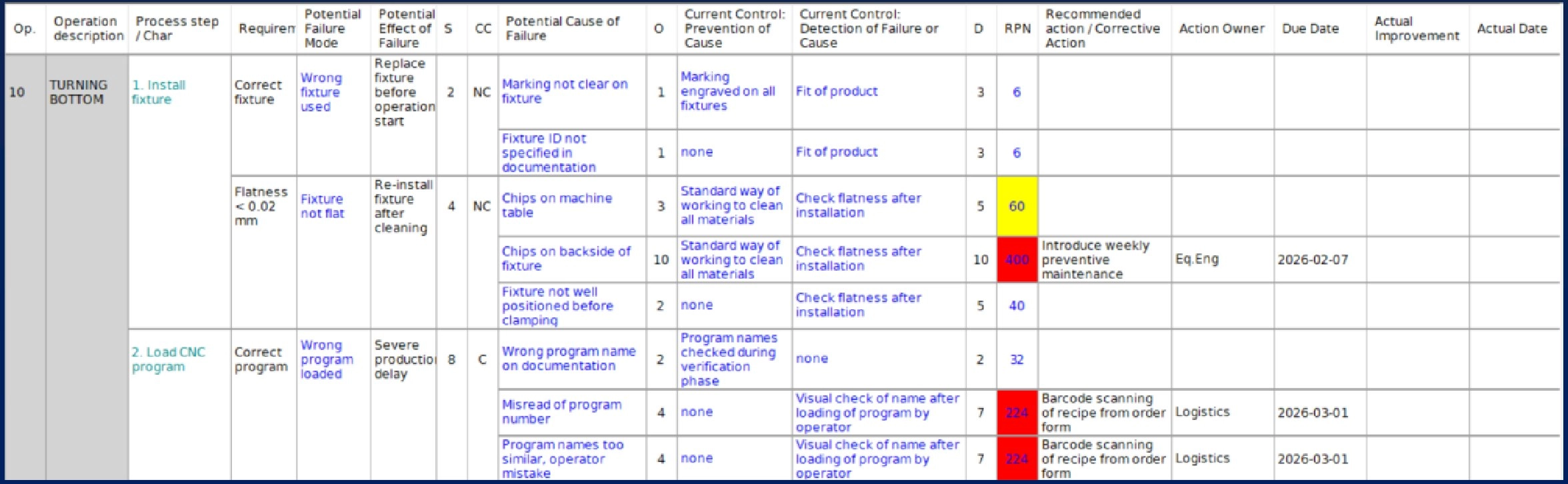
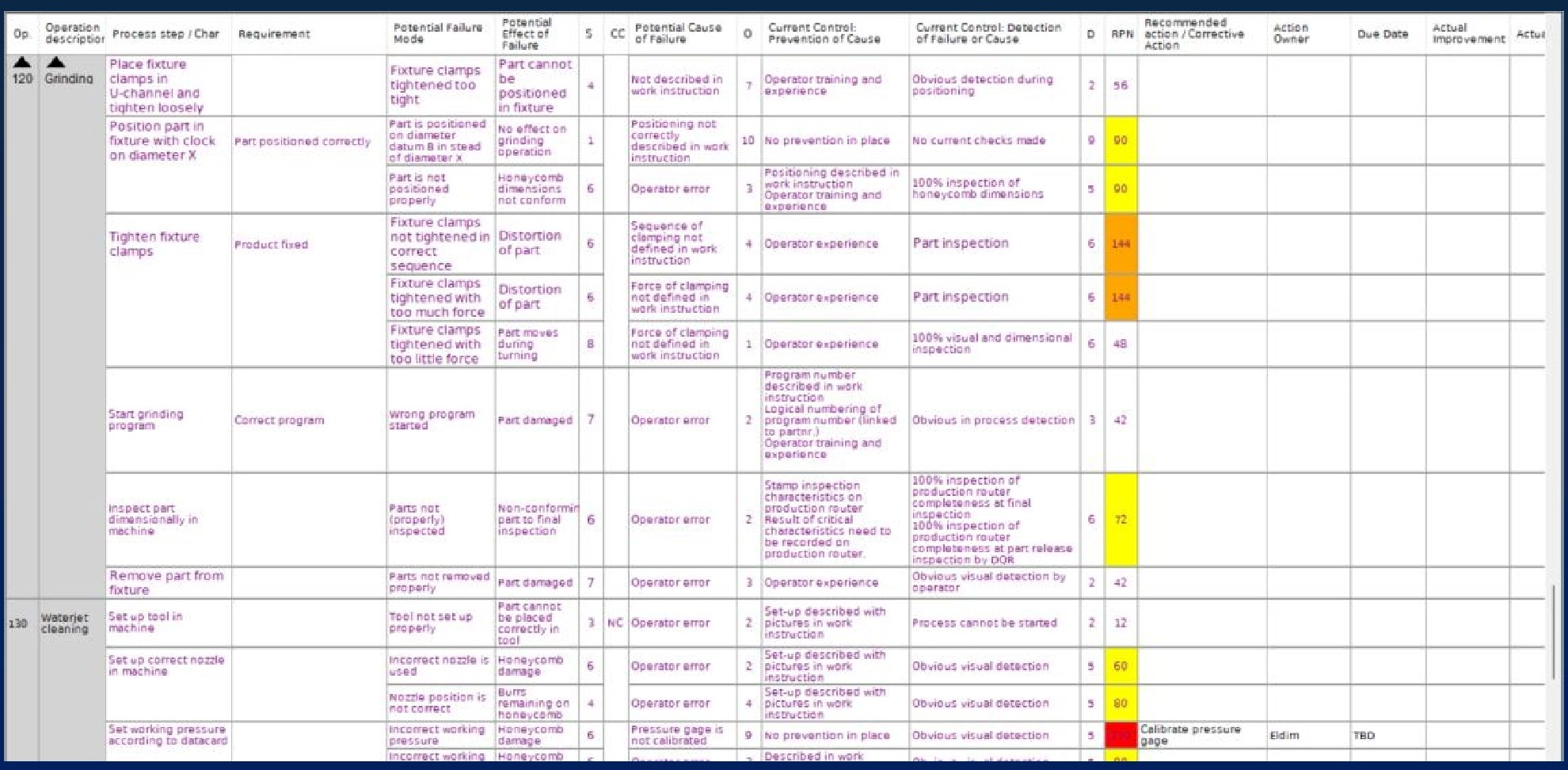
A typical pFMEA can have hundreds of rows. Critical failure modes get buried, especially when no corrective action has been defined yet. Out of sight, out of mind.
The solution: a separate, sorted list
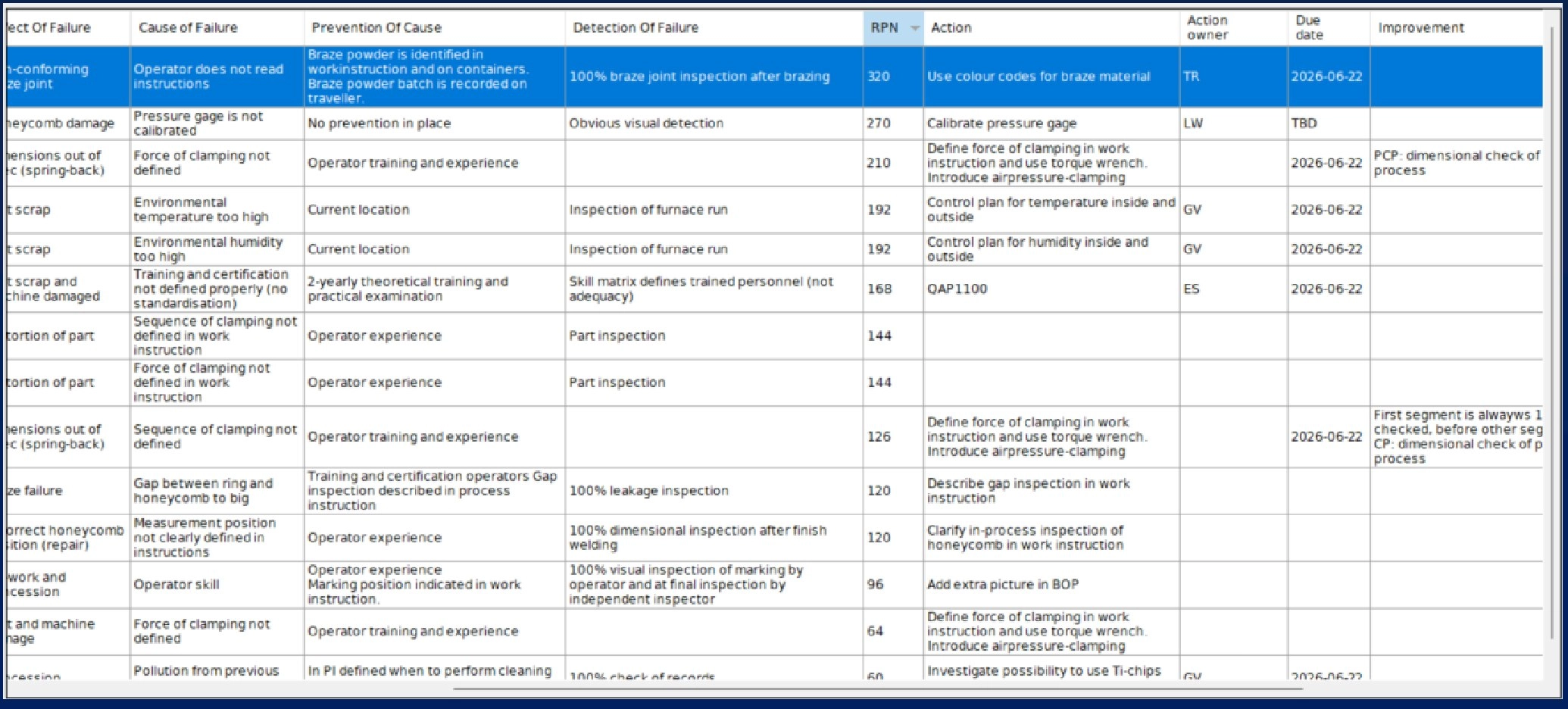
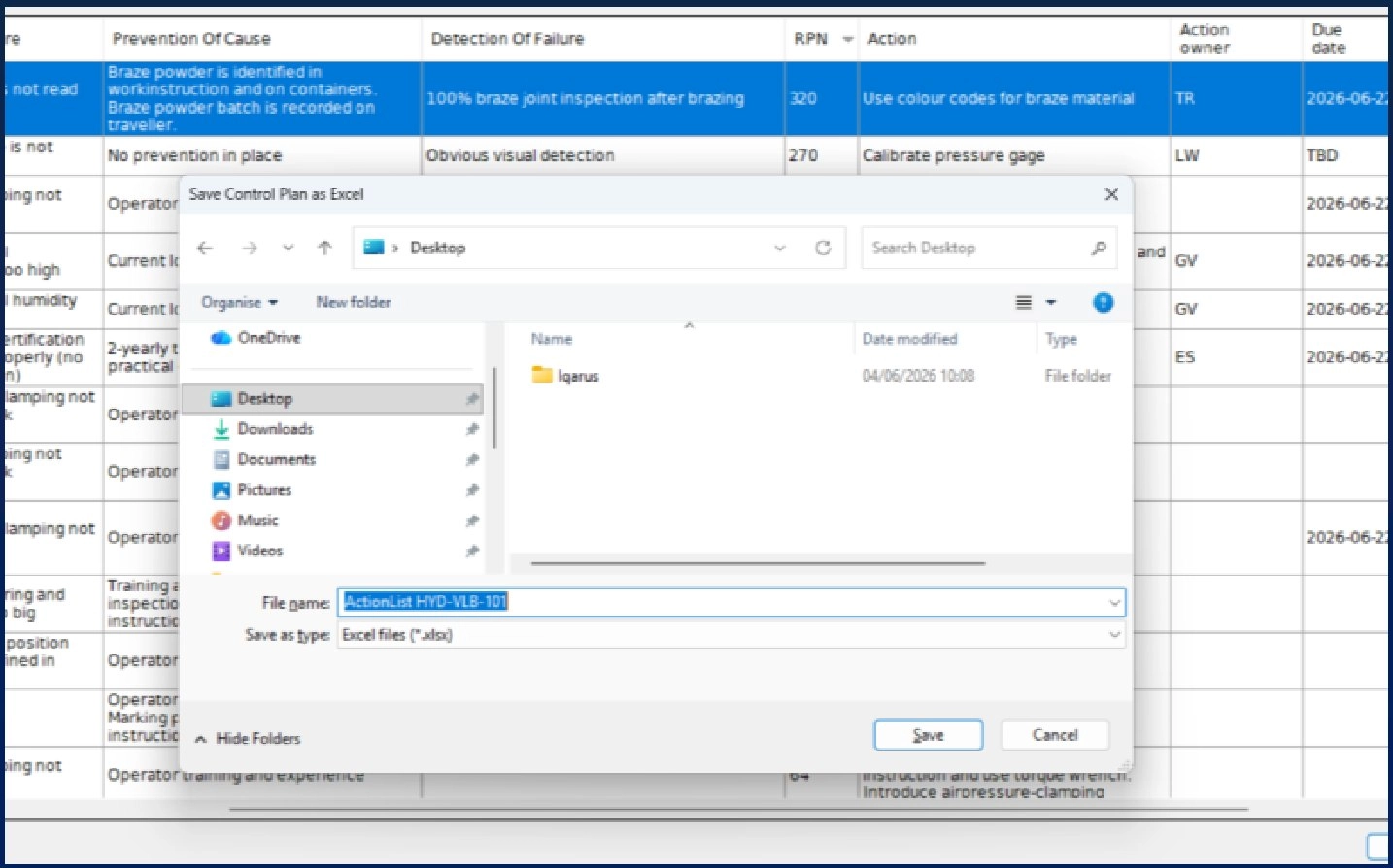
The action list should be separate from the FMEA. Sorted by RPN: highest risks on top, regardless of where they appear in the FMEA. A high RPN without a defined action still appears on the list.
No risk gets forgotten.
Share it with the action holders
An action holder who receives a clear list, with a due date and a reference to the failure mode, is far more likely to act on it than someone mentioned in passing during a review meeting.
The data does the talking
A Pareto-sorted action list puts your highest risks at the top, and makes prioritisation conversations with management or customers straightforward. Read more about prioritising in RPN or Action Priority.
Action lists in IQARUS
IQARUS generates the action list automatically from your pFMEA, sorted by RPN, and exports it to Excel in one click, ready to share.
Ready to get started? With IQARUS you create linked pFMEAs, Process Flow Diagrams and Control Plans, with reference FMEAs that keep everything up to date. Try IQARUS free for 3 months, no account needed.